
Every small business needs a strong online presence — and the quickest way to get there is with a website.
But how?
You might think you need to hire an expensive IT expert or agency.
Good news: you really don’t.
Modern website builders make it surprisingly easy to create a professional-looking site yourself – even if you’d only describe yourself as “moderately tech-savvy”. Most of these tools are drag-and-drop, beginner-friendly, and built specifically for people who just want to get online fast.
Honestly? It’s more easy and satisfying than you’d expect – and being able to update your own site anytime (without paying someone else) is a huge win.
Try Shopify free!
A quick nod to social media…
Yes, you can run a business purely from Facebook or Instagram. But having your own website gives you credibility, control, and room to grow that social platforms just can’t match. Social media is great – but your website is your home base.
With so many builders out there though, choosing one feels a lot like walking into a restaurant with a 20-page menu. You’re hungry to get started, but the sheer volume of options—from ‘AI-powered’ builders to ‘all-in-one’ giants—is enough to make anyone lose their appetite.
So in this guide, we’ve compared the best website builders for small businesses – looking at ease of use, price, flexibility, and who each one is actually best for.
We’ve cut through the marketing noise to compare the top five contenders on cost, ease, and power.
No jargon. No fluff. Just the facts you need to get live by the weekend.
Let’s dive in.
This post may contain affiliate links. If you sign up through them, I may earn a small commission at no extra cost to you. I only recommend tools I genuinely believe are useful.
🔥 Quick Picks – If you just want the answer now!

👉 Best overall (especially for selling products): Shopify
From ~£25–£30/month
All-in-one, handles payments, products and growth without tech headaches.

👉 Easiest for beginners / service businesses: Wix
Free plan available, paid plans from ~£10–£15/month
Super simple drag-and-drop builder. Perfect for “just need a website”.
Start Wix free trial

👉 Best design-first / premium look: Squarespace
From ~£16–£20/month
Beautiful templates and polished layouts. Ideal for creative or visual brands

👉 Best ultra-budget starter: Hostinger Website Builder
Often under ~£3/month
Basic but ridiculously affordable. Fine for simple starter sites.
Build a website with Hostinger

👉 Best for long-term control & SEO: WordPress + Hosting (Hostinger/SiteGround)
WordPress is free, hosting from ~£3–£6/month
Cheapest and most flexible option. Great if you want full ownership and scalability.
Give WordPress a go – it’s free!


You’ll only need to select one hosting to use with WordPress. Think of these as your land (which you have to pay rent on) while WordPress is your house (which you get to build for free). Both of these work well.
Host with Hostinger
If you want the why read on! Each builder reviewed in more detail:
Shopify – Best Overall (especially if you want to sell anything)
Best for: ecommerce, physical products, serious small businesses
Not ideal for: simple brochure sites
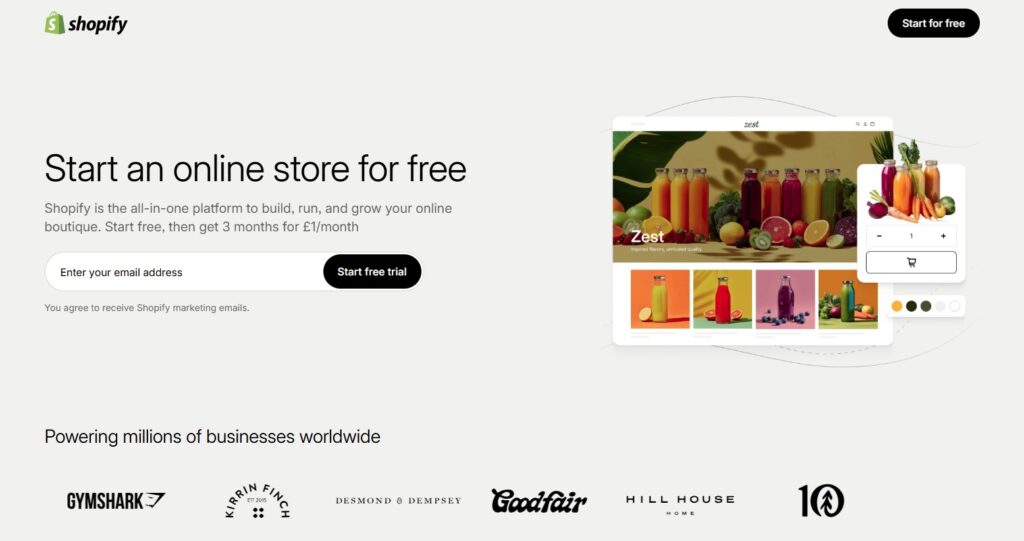
If you told me you wanted to launch an online store this weekend and didn’t want any hassle, I’d probably say “just use Shopify” without even thinking further.
It’s basically the “plug and play” option. Hosting, payments, checkout, inventory, security, it’s just all sorted in one place and you really don’t have to build anything technical. You just pick a theme, add your products, and you’re live.
It feels very “grown up” straight away too. Even basic stores look legit, which is reassuring if you’re just starting out. Psychologically this pays; you’re setting out your stall in all the ways and the overall impact is “take me seriously”.
Another plus is that there are ways to integrate your products to social media and other market places, some easier than others but the possibility is there. You can easily sync your product catalogue to Pinterest or to Meta commerce to surface on Facebook and Instagram Shop. TikTok Shop, eBay and Amazon Marketplace are also possible although you’ll need some integration apps for those.
The downside is you pay monthly and you’re a bit inside Shopify’s ecosystem. But honestly, for most small businesses, the convenience is 100% worth it.
👉 If you’re selling products and want the least stress possible, this is the safest bet.
Get going with Shopify – start your free trial
Wix – Best for Beginners & Service Businesses
Best for: ecommerce, physical products, serious small businesses
Not ideal for: simple brochure sites
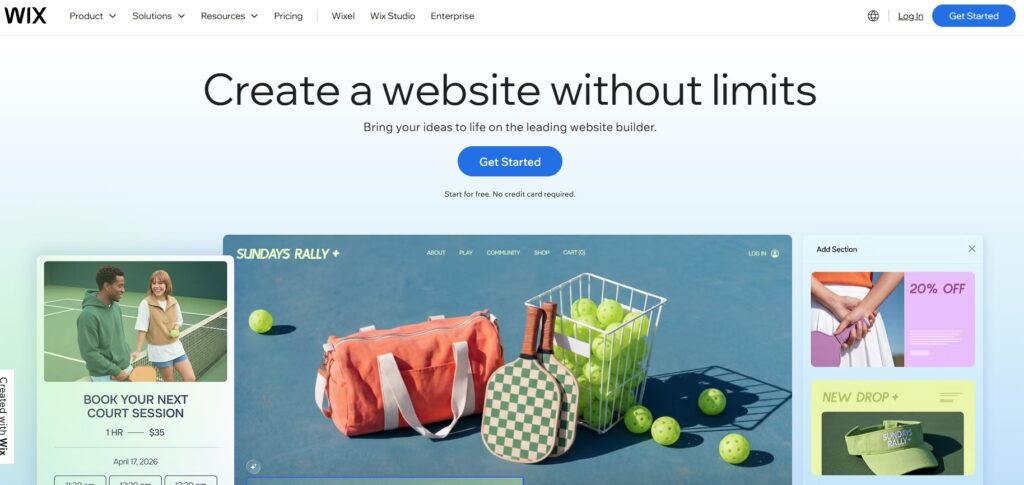
Wix is the one I’d recommend to anyone who says “I’m not technical at all and I just want something simple”.
It’s properly drag-and-drop. Like moving boxes around PowerPoint.
You can genuinely build a decent-looking site in an afternoon without watching tutorials or reading docs. For a plumber, coach, café, or small service business, it’s honestly perfect.
It’s not the most powerful platform in the world, but that’s kind of the point — it doesn’t overwhelm you.
Sometimes “good enough and easy” beats “powerful but complicated”.
👉 If you just want to get online fast and move on with your life, Wix is great.
Still not sure?
Read my full comparison – Shopify vs Wix – Which Website Builder is Best for a Small Business?
Squarespace – Best for Beautiful Designs
Best for: photographers, creatives, design or lifestyle-focused brands
Not ideal for: heavy ecommerce or deep customisation
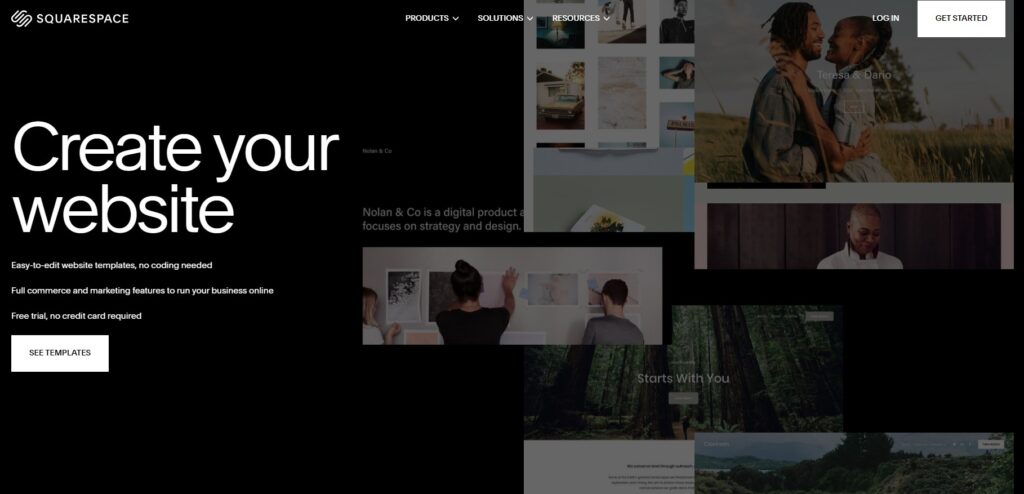
Squarespace is the “make it look gorgeous with minimal effort” option.
Their templates just look polished out of the box. Fonts, spacing, layouts — everything feels professional without you doing much.
If your business is visual or artsy (portfolio, studio, personal brand), it can make you look more premium instantly.
It’s not the most clever system underneath, but if design matters more than tinkering, it’s a nice experience.
👉 If you want something that looks stylish and simple with almost no effort, Squarespace nails it.
Hostinger Website Builder – Best Budget Option
Best for: super tight budgets, simple sites
Not ideal for: scaling big
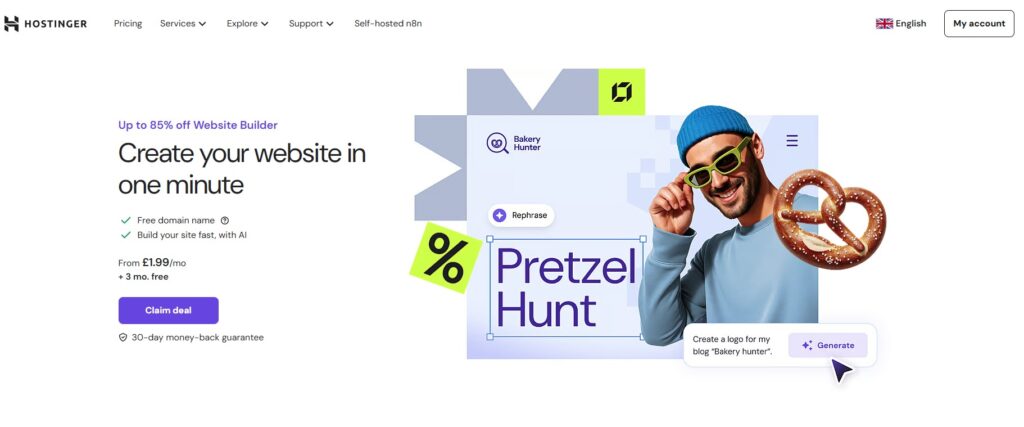
If you literally just need “a website that exists” and don’t want monthly costs stacking up, Hostinger’s builder is surprisingly decent.
It’s basic, but perfectly fine for a simple business presence. And it’s cheap — sometimes ridiculously cheap.
I wouldn’t use it for a growing online store, but for a starter site? Totally acceptable.
👉 If cost is your main concern, this gets you online for the least money.
WordPress + Hosting – Best for Control, SEO & Long Term Growth
Best for: blogs, content sites, people who want ownership & flexibility
Not ideal for: “I want zero setup effort”
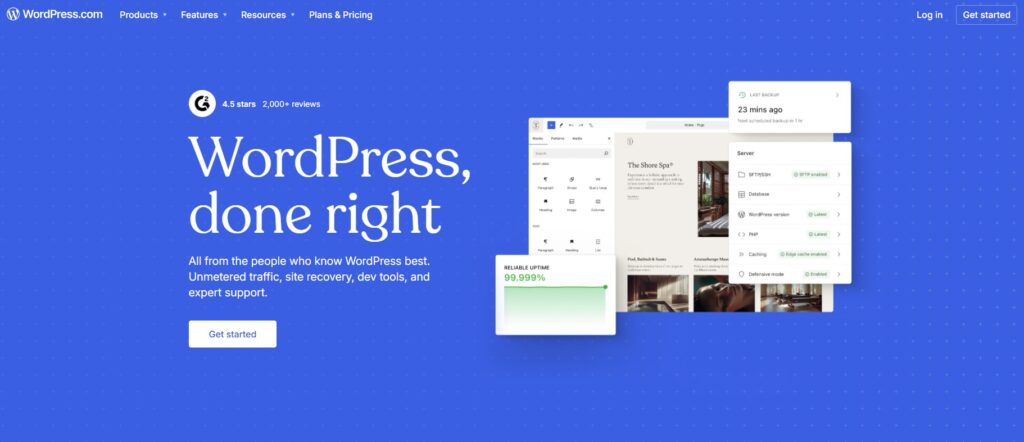
This is what I personally lean towards for anything content-heavy or long term (like this very site you’re reading).
WordPress gives you total control. You own everything. You can customise endlessly, add plugins, optimise for Google, and scale however you like.
It’s also usually the cheapest option — you just pay for hosting (pair with Hostinger or SiteGround for hosting).
The trade-off is there’s a tiny bit more setup at the start. Nothing scary, but not quite as “instant” as Wix or Shopify.
If you like the idea of learning once and then having full freedom forever, this is a brilliant route.
👉 If you care about SEO, blogging, or long-term growth, WordPress is hard to beat.
Remember you need hosting with WordPress. I would recommend you select your hosting first and then within that dashboard you choose to “Install WordPress” to automatically set up your website. They have loads of preconfigured themes and sites to choose from or you can build your own.
I like SiteGround for hosting – try it now
A final piece of advice
Yes, you can get a site live in an hour with most of these tools — but don’t rush it.
Give yourself a little time to learn the basics, tweak the design, and make it feel like yours. There’s always a small learning curve at the start, but stick with it and it quickly clicks.
Your website is your shop window.
It’s often the very first impression someone has of your business — so the time you spend getting it right isn’t wasted, it’s an investment.
Do it once, do it properly, and you’ll thank yourself later.

Pingback: GoDaddy Review: Go Daddy or Go Home? Honest Hosting & Domain Comparison (2026) - Tech for Business