Looking for an honest GoDaddy review?
In this guide, I break down GoDaddy’s domain registration, hosting performance, pricing, pros and cons, and how it compares to competitors like Bluehost, Namecheap, and Squarespace. If you’re wondering whether GoDaddy is worth it in 2026, keep reading.
If you’ve ever tried to buy a domain, you’ve probably ended up on GoDaddy.
Not by accident.
Not by recommendation.
But because they’re basically the Times Square billboard of the internet.
Big. Loud. Everywhere.
So the question is…
Is GoDaddy actually good? Or just good at marketing?
I took a closer look.
This post may contain affiliate links. If you sign up through them, I may earn a small commission at no extra cost to you. I only recommend tools I genuinely believe are useful.
First Impressions: Easy Mode Activated
GoDaddy’s biggest strength?
👉 It’s ridiculously beginner-friendly.
Buying a domain takes like 3 minutes:
– Search name
– Click buy
– Done
No tech jargon. No “configure your nameservers manually” nonsense. It’s very much:
“Hi, welcome, give us £8, here’s your website name.”
For first-timers, that simplicity is gold.
If you’re launching:
– a small business
– a personal blog
– a portfolio
– a side hustle
…it feels approachable instead of intimidating.
And honestly? That matters.
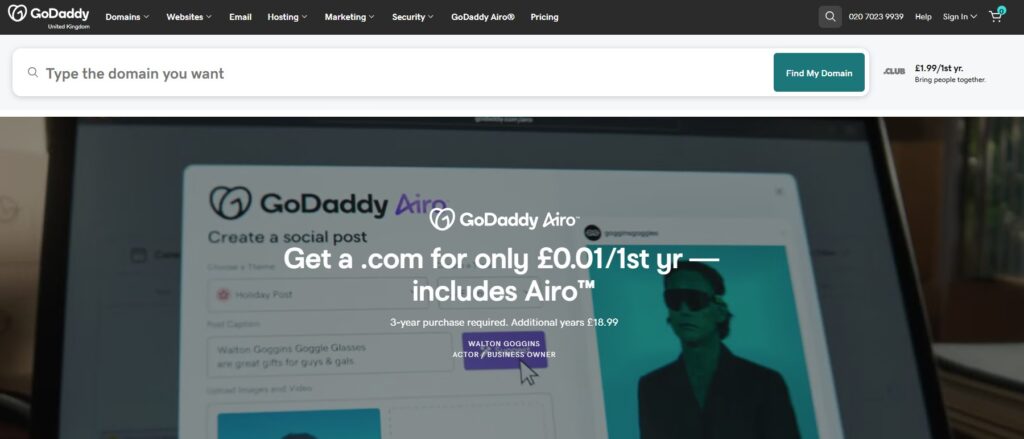
What GoDaddy Does Well
✅ Domain registration
Still one of the easiest places to grab domains fast.
✅ All-in-one convenience
Hosting, email, SSL, website builder, WordPress installs — it’s all under one roof. No puzzle-piecing five services together.
✅ 24/7 support
Actual humans. Phone support. Not just “submit a ticket and pray.”
✅ Basic marketing tools
Email and social posting.
✅ Beginner tools
Their website builder is very “drag, drop, publish.” No coding. Zero brain melt. Hundreds of mobile-friendly templates.
If you want plug-and-play, they nailed it.
Where GoDaddy Gets… Annoying
Let’s keep it real.
❌ Upsells. So many upsells.
Every checkout feels like: “Add security?”
“Add backups?”
“Add pro email?”
“Add protection?”
“Add oxygen???”
You start at £8 and somehow you’re at £77.
It’s like booking a flight on a budget airline.
❌ Renewal prices jump
Cheap intro price… then renewal hits and you’ll be saying: “…excuse me??”
Classic move. Not shady, just something to watch.
❌ Performance isn’t elite
Hosting is fine, not blazing fast.
If speed is mission-critical, there are better options.
How GoDaddy Compares
Bluehost
Best for: WordPress beginners
Pros
– Officially recommended by WordPress Foundation
– Easy WordPress setup
– Good starter pricing
Cons
– Similar upsell vibes
– Support can be hit or miss
👉 Slightly better if you know you’re going WordPress-only. Give Bluehost a go
Namecheap
Best for: cheap domains + no drama
Pros
– Lower renewal costs
– Fewer aggressive upsells
– Straightforward pricing
Cons
– Less “hand-holding”
– Not as beginner-polished
👉 Great if you’re slightly tech-comfortable and hate being sold extras every five seconds.
Squarespace
Best for: gorgeous, design-first sites
Pros
– Stunning templates
– Everything bundled
– No hosting headaches
Cons
– Less customizable
– More “closed system”
👉 Perfect for creatives, not ideal for tinkering or complex builds.
GoDaddy Pricing
GoDaddy offers a range of subscription tiers in the UK, typically billed annually, with prices that scale up as you unlock more features:
Basic – ~£7.99/month
Great for a basic business or portfolio website with your own domain and essential features.
Standard – ~£9.99/month
Adds SEO tools, more marketing emails and expanded social posting options.
Premium – ~£11.99/month
Best for service-based sites needing more robust marketing, social integration and appointment tools.
Ecommerce – ~£13.99/month
Enables full online store capabilities to sell products and manage orders.
There’s also a free plan to try the builder and see how it works before committing. However, free sites will carry GoDaddy branding and limited business features.
So… GoDaddy or Go Home?
Here’s the honest take:
Choose GoDaddy if:
– It’s your first site ever
– You want everything in one place
– You value ease over optimization
– You just want to get online fast
– You don’t need deep customisation or advanced features
Choose something else if:
– You hate upsells
– You care about max speed/performance
– You want cheaper long-term domain costs
– You’re more tech-savvy
The Verdict
GoDaddy isn’t the “best.” (It’s why it didn’t feature on my other post – the Best Website builders in 2026)
But it’s the most convenient.
And sometimes that’s exactly what you need.
Not everyone wants to Frankenstein five services together. Sometimes you just want to click “buy,” launch your site, and get back to building your actual business.
So if you want simple and fast?
GoDaddy.
If you want total control and optimisation?
Maybe… don’t.
Either way — just don’t sit on the idea forever.
Because the only thing worse than picking the “wrong” host…
…is never launching at all.